160 years of family business: Our story since 1866

Free UK delivery on orders over £50

WORK. STUDY. CREATE. PLAY.

Laptops & PCs

A better day starts
with the right computer.

Discover business laptops, everyday Windows machines and gaming laptops. Compare the processor, memory, screen and connections that matter to the way you work.

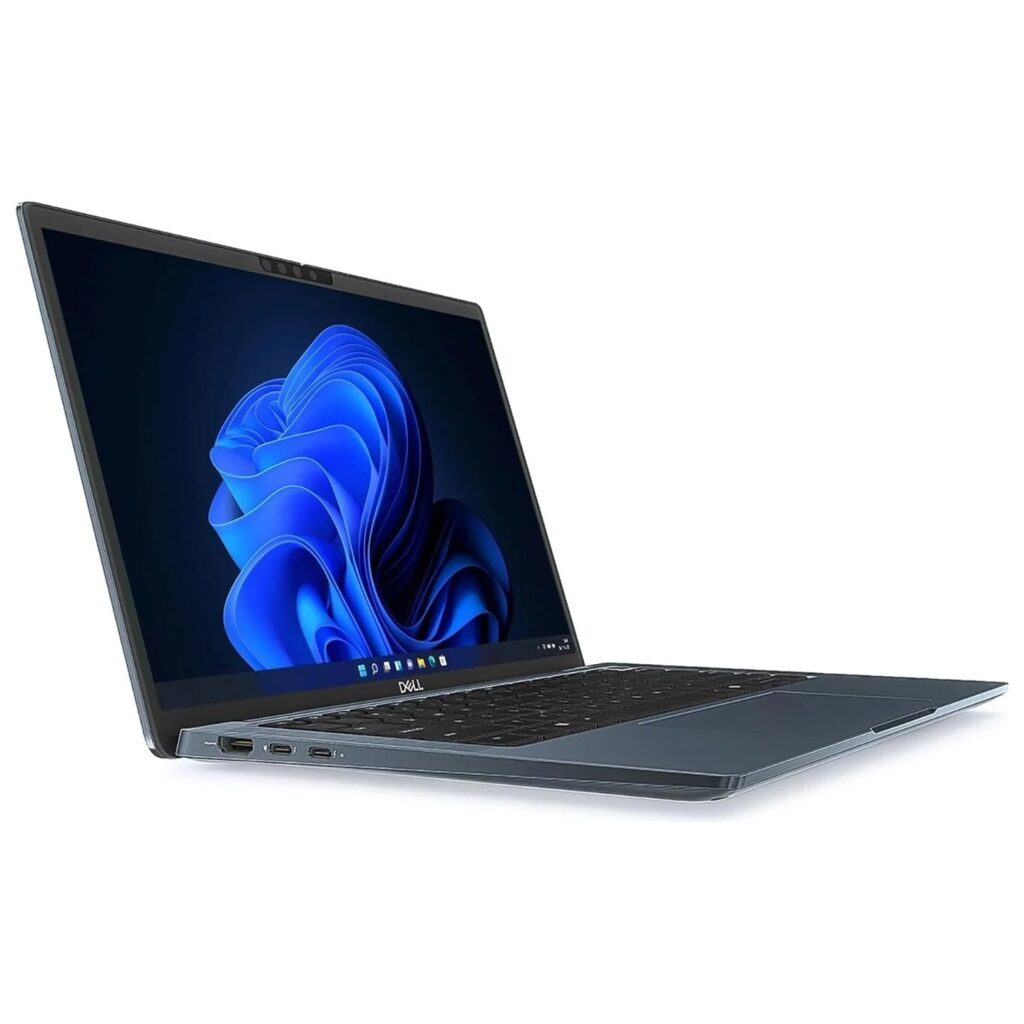
Dell Latitude 7350 Laptop Intel Core Ultra 7 165U, 32GB RAM, 512GB SSD, 13.3" FHD+, Windows 11 Pro
Lenovo IdeaPad Slim 3 Laptop 15ARP10 AMD Ryzen 5, 8 Core, 512GB, 24GB, 15.3"
Acer Nitro V15 ANV15‑52 Gaming Laptop – i7‑13620H, RTX 5060, 165Hz
THE BIRCHWARD COLLECTION
01 / LAPTOPS & PCS
FIND YOUR FIT

What will your next computer do?

Work & multitask

Compare memory, keyboard comfort and the connections you use every day. Check the software requirements for your role.

Home & study

Balance screen size, portability and storage around your everyday apps. Check operating-system compatibility before choosing.

Gaming on the move

Start with the games you play, then compare the GPU, display and cooling. A model name alone does not tell the whole story.

A CLOSER LOOK

From the laptops & PCs catalogue

Explore these individual products, then check the full details for your setup.

Products are sold individually. Check the product page for the latest specification and availability.

BEFORE YOU CHOOSE

Choose around your day, not just a specification.

A few checks now make it easier to choose a product that suits your device and the way you use it.

01

Your applications

Check the recommended requirements for the software or games you use, including operating system and processor architecture.

02

Memory & storage

RAM supports active workloads; SSD capacity gives your files and applications room. Confirm whether either can be upgraded.

03

Screen & portability

Compare screen size, resolution, weight and the manufacturer’s battery information for your chosen model.

04

Ports & accessories

Check display output, USB connections, charging requirements and any hub or adapter you will need.

Plan your laptop setup

A charger, monitor and hub should suit the exact laptop you choose. Start with its model number and port specifications.

USEFUL ANSWERS

Laptops & PCs FAQs

Practical answers to help you narrow the choice. Always check the exact product and manufacturer specifications before ordering.

Choose a laptop if moving between rooms or locations is central to your day. For a fixed setup, consider the desktop range alongside a separate monitor, keyboard and mouse. Compare the complete setup cost.

Use your applications’ recommended requirements as a starting point. More demanding multitasking or creative work may need additional RAM. Check the exact model’s upgrade options; some laptop memory is soldered.

Check the application vendor’s support information, especially for laptops with an Arm-based processor. Confirm compatibility for specialist software, peripherals and games before ordering.

Check the laptop’s video outputs and the monitor’s inputs. USB-C display support is model-specific; the connector shape alone does not confirm it. Our monitor guide explains what to check.

Find the computer that fits your everyday.