160 years of family business: Our story since 1866

Free UK delivery on orders over £50

DISCOVER THE REST OF YOUR SETUP.

More from Birchward IT

Everyday extras.
Considered additions.

Explore software, security cameras and useful accessories that complete your technology setup. Find the smaller essentials alongside practical advice for your next purchase.

TP-Link (Tapo C200) Pan/Tilt Home Security Wi-Fi Camera, 1080p, Night Vision, Motion Detection, Alarms, 2-way Audio
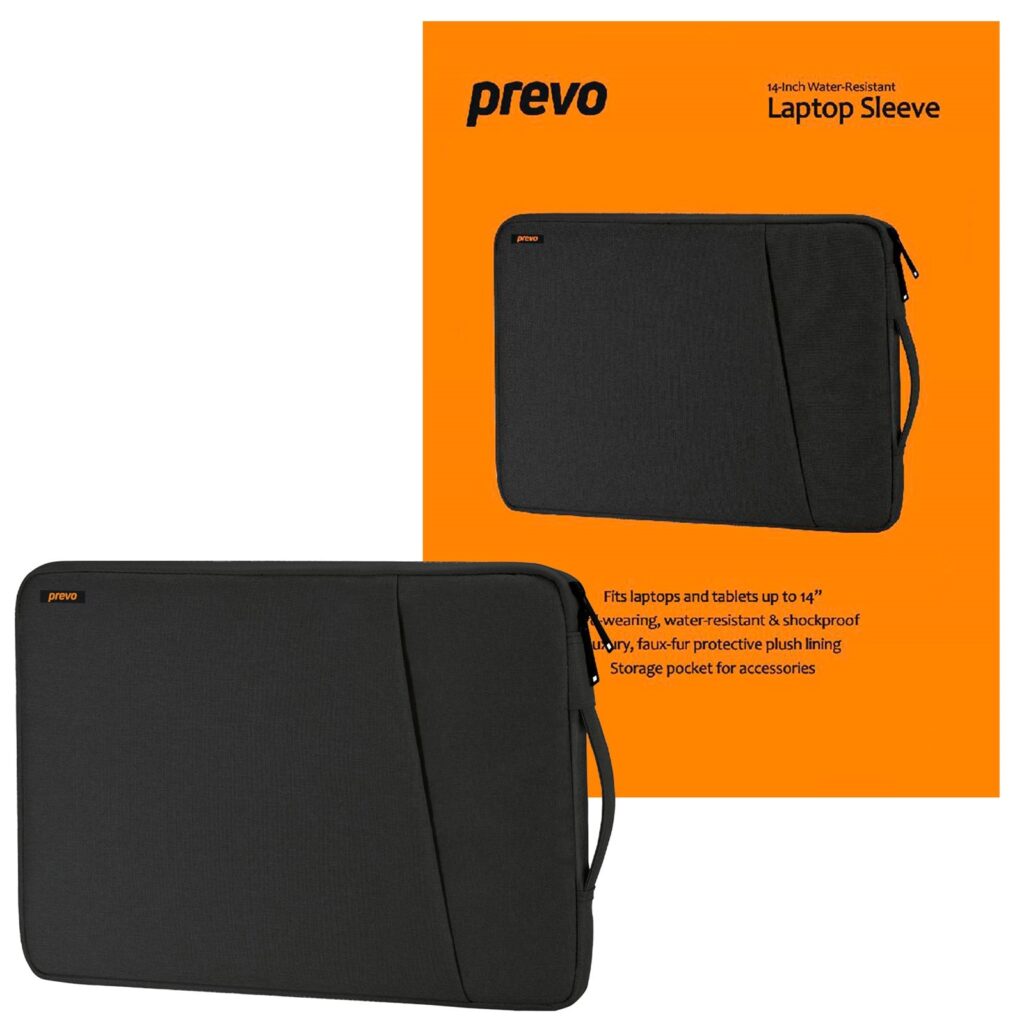
Prevo 14 Inch Laptop Sleeve, Side Pocket, Cushioned Lining, Black
USB-C 8-in-1 Hub, Type-C 8-Port (Ethernet, HDMI, 2x USB, 2x Type-C, SD, TF) Adapter
THE BIRCHWARD COLLECTION
08 / MORE FROM BIRCHWARD IT
FIND YOUR FIT

Small additions, useful possibilities.

Protect & carry

Choose a sleeve around the dimensions of your laptop, then check practical details such as lining and pockets.

See more of your home

Compare camera placement, connectivity, power and recording options. Check any optional subscription requirements.

Set up your software

Check the edition, licence type and hardware requirements before choosing an operating system or security product.

A CLOSER LOOK

From the Birchward catalogue

Explore these individual products, then check the full details for your setup.

Products are sold individually. Check the product page for the latest specification and availability.

BEFORE YOU CHOOSE

Make every extra earn its place.

A few checks now make it easier to choose a product that suits your device and the way you use it.

01

Fit & support

Compare dimensions, connector requirements and supported devices with the exact product you own.

02

Licence & edition

For software, review the licence terms, system requirements and whether the edition meets your needs.

03

Power & placement

For cameras and accessories, check indoor/outdoor suitability, power source and installation requirements.

04

What is included

Read the contents and specification carefully. Check any separately required cable, memory card or subscription.

A little guidance goes a long way

Explore practical checklists for memory, storage, chargers, monitors and home networking before your next purchase.

USEFUL ANSWERS

More from Birchward IT FAQs

Practical answers to help you narrow the choice. Always check the exact product and manufacturer specifications before ordering.

This hub brings together software, security cameras, laptop sleeves, stands, cooling pads, USB hubs, gaming accessory bundles and cleaning products from the Birchward IT catalogue.

Compare the sleeve’s internal dimensions with your laptop’s width, depth and thickness. A stated screen size is a starting point, not a guarantee of fit.

It depends on the model and the recording features you choose. Check local storage support, memory-card requirements, cloud options and any ongoing charges before ordering.

Confirm the edition, licence type, installation format and hardware requirements. Read the product details and licence terms to understand activation and transfer rights.
Find the useful extra your setup is missing.